System reference / Oct 25/27 developer updates
Crafting & Interaction Controls
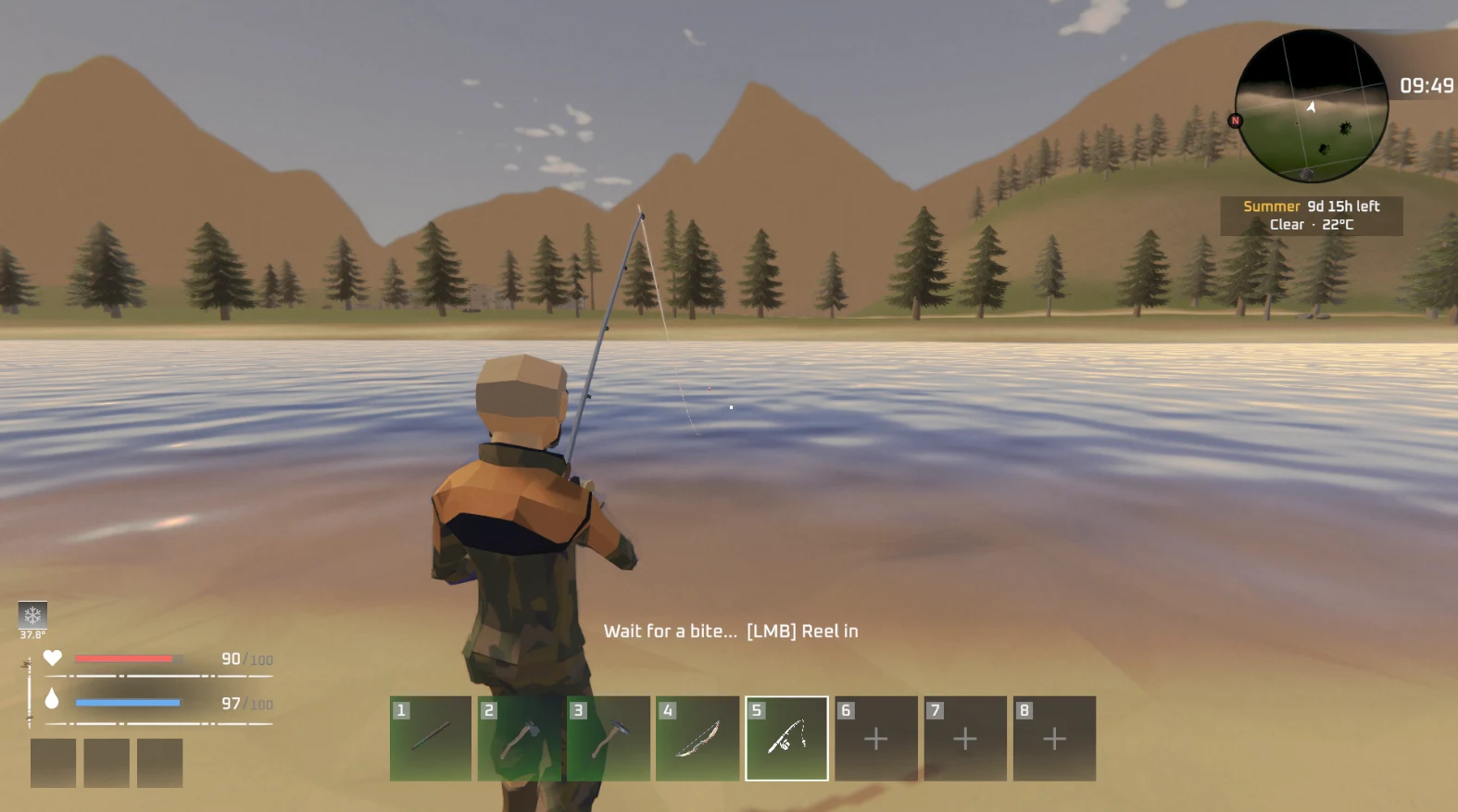
Open the craft panel with C. At a workstation, Take All uses T on keyboard or Y on gamepad by default; a changed Loot All binding also applies there. At water, follow the action prompt for casting. The waiting screen can show “[LMB] Reel in,” but wait for the hook icon before acting on a bite.
Updated 2026-10-29 · Oct 25/27 developer updates
Confirmed inputs and their scope
Swipe sideways to read every column →
| Action | Confirmed input | When it applies |
|---|---|---|
| Open craft panel | C | Devlog #12 identifies Bow, Arrows and Fishing Rod here. |
| Take All from station storage | T / gamepad Y | Devlog #10 default. A rebound Loot All key works at stations per Devlog #11. |
| Fishing at water | Follow the on-screen Cast Line (Hold) prompt | Hold and release to cast into water; the displayed binding may differ in your settings. |
| Reel during fishing | [LMB] Reel in on the shown waiting screen | Wait for the hook icon; early bobber twitches are fake nibbles. |
Read the prompt at the interaction
Face a lake or river with a Fishing Rod equipped. Cast Line (Hold) appears beside Drink Water: hold the cast action and release into water. During the waiting stage, watch for the hook icon before reacting; pulling on an early twitch scares fish away.
When a key does not match
Use the binding shown by your build. Devlog #11 specifically confirms that a rebound Loot All control works at crafting stations. If station collection fails, also check bag space and that finished output is in that station’s storage.